One window. The whole workflow.
Editor, AI, terminal, runner, and system monitor on the same surface — each one aware of the others.
Tell the editor what you want
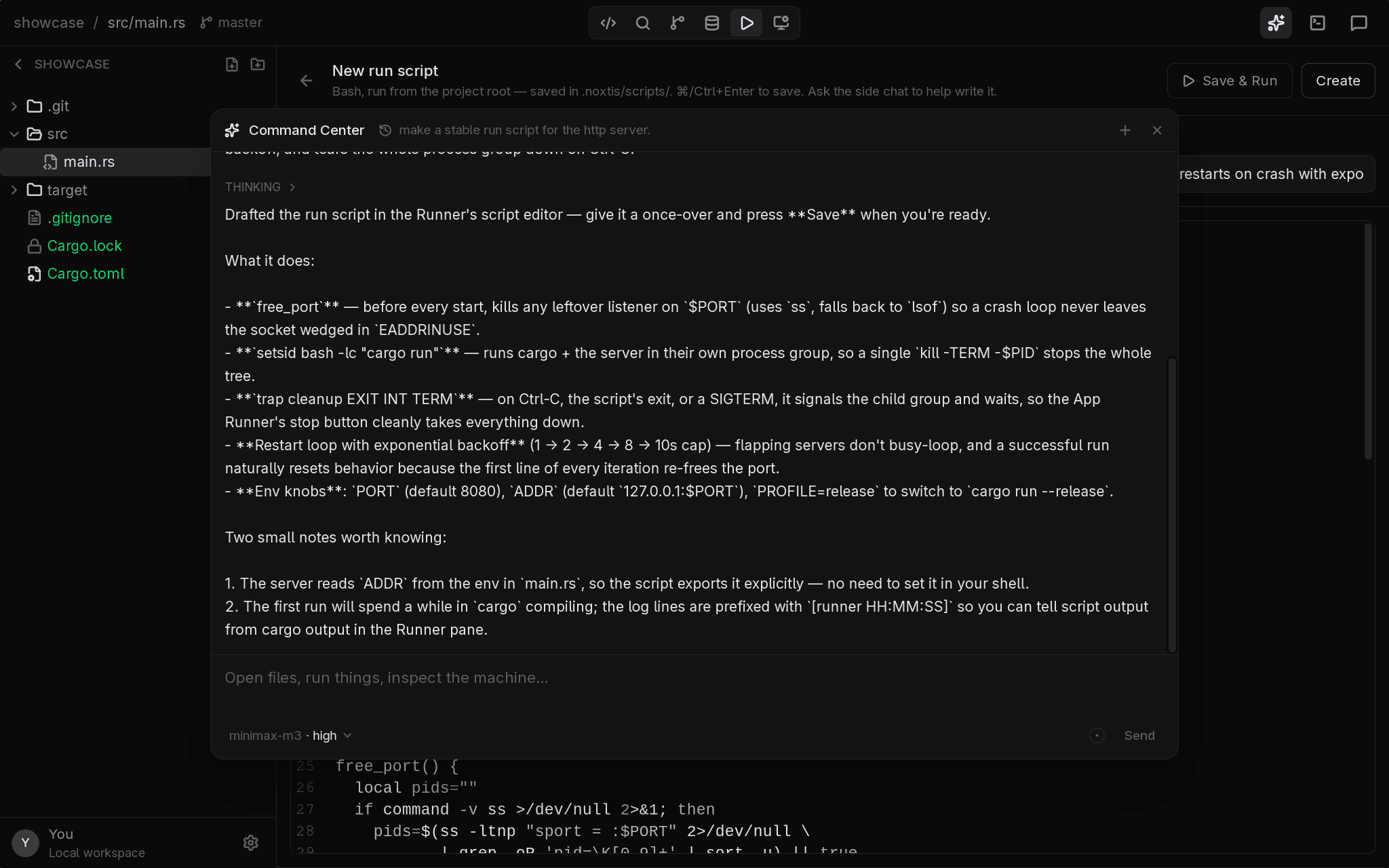
One conversation that drives the whole app. It searches your project, opens files, switches views, starts processes, and inspects your machine — then shows you what it did instead of describing it.
- Drafts run scripts straight into the editor
- Sees your project, processes, and ports
- Every action shows up as a card you can check
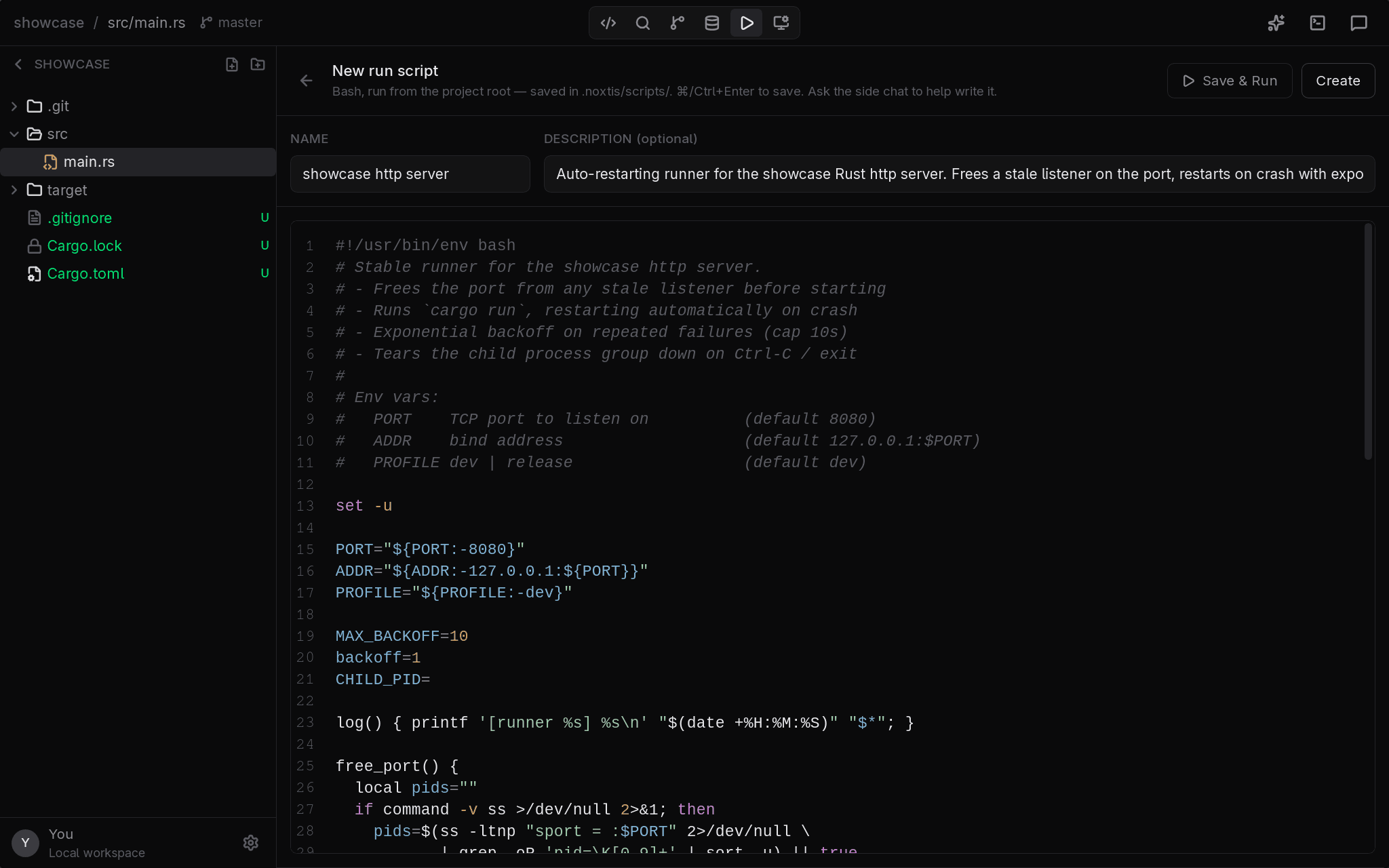
Run files that live with your project
Save bash run scripts to a .noxtis folder inside your repo — committed, shared, and editable like any other file. Run them with one click and watch live output with per-process CPU and memory.
- Written by you or drafted by the AI
- Live output, sparklines, and a process table
- A zoomable per-process timeline after every run
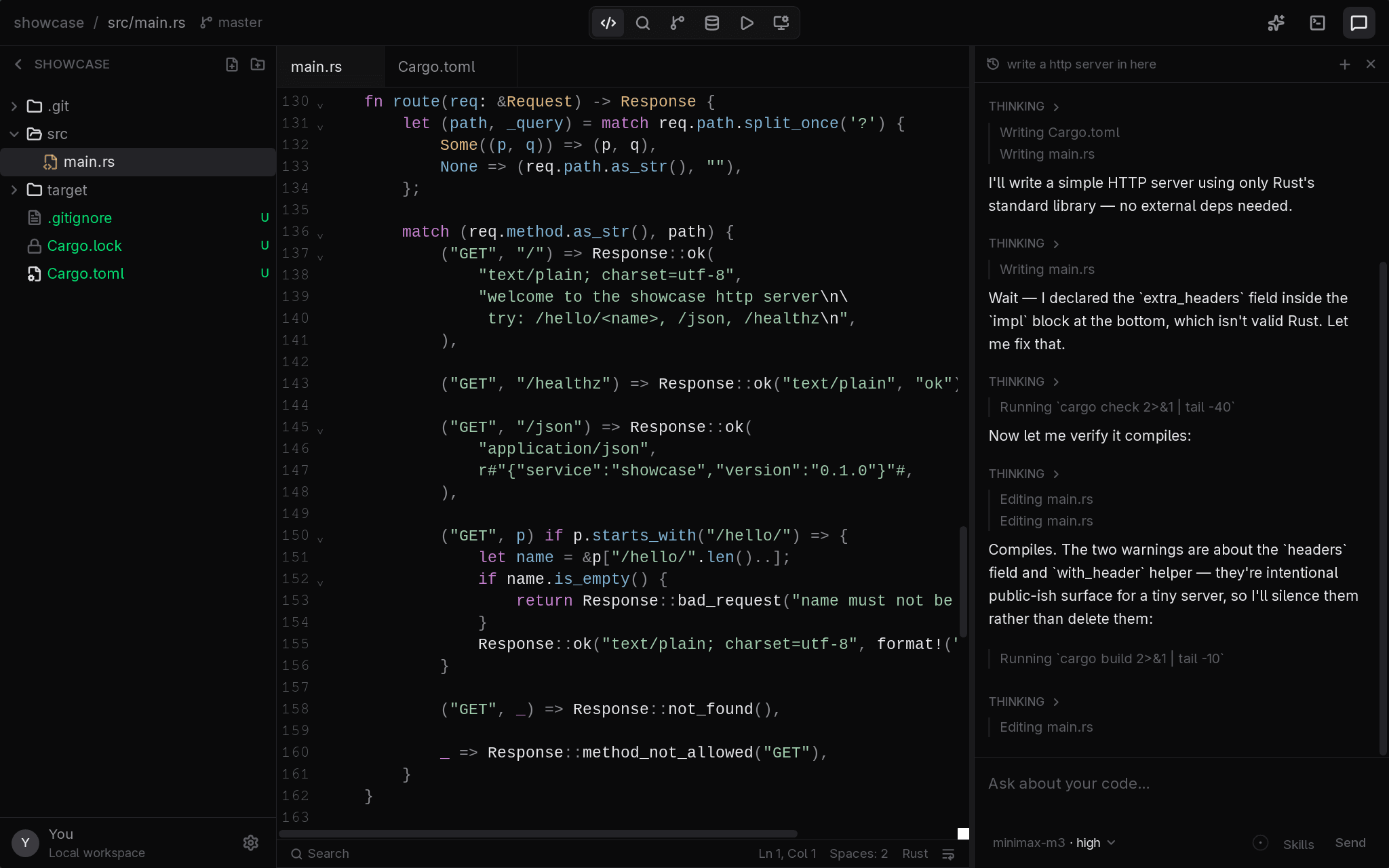
A real editor with AI beside it
CodeMirror with language servers, diagnostics, and autocomplete — plus a side chat that reads your project and edits files directly in your tabs, so changes appear where you're already looking.
- LSP-powered editing, not a toy text box
- AI edits land in your open tabs instantly
- Works offline with local models
More in the box
Local models
Run Ollama models fully offline as a read-only scout — nothing you ask leaves your machine.
Git built in
Stage, commit, branch, and sync without leaving the editor — diffs included.
System awareness
Processes, ports, and resource usage are first-class — ask what's eating your CPU and get a real answer.
Database browser
Open SQLite files and poke at local database servers right in the editor.
Real terminal
A proper PTY terminal in the workspace, spawned in your project directory.
Auto updates
Signed releases install themselves from inside the app — you're always current.
Try it on your own project
Free for Linux, Windows, and macOS, with signed auto-updating builds.
Download for free